
How to use a phone?
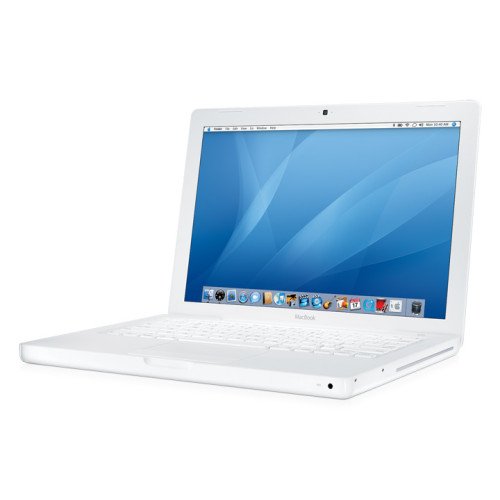
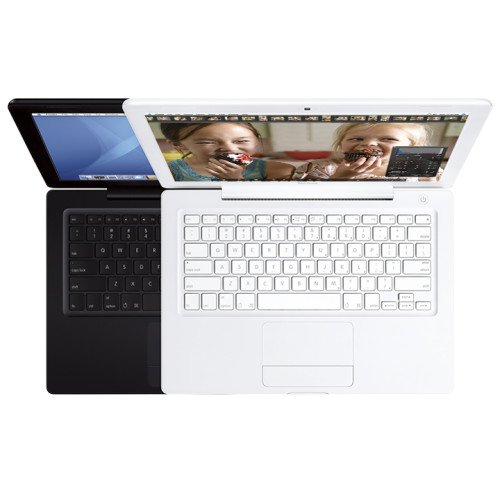
The MacBook is a powerful and elegant laptop that provides impeccable performance and an intuitive interface. To use your MacBook, follow these steps:
- Turn on the device: Press the power button located in the upper right corner of the keyboard.
- Set up your MacBook: After the initial power-on, follow the on-screen instructions to set up your Apple ID and preferences.
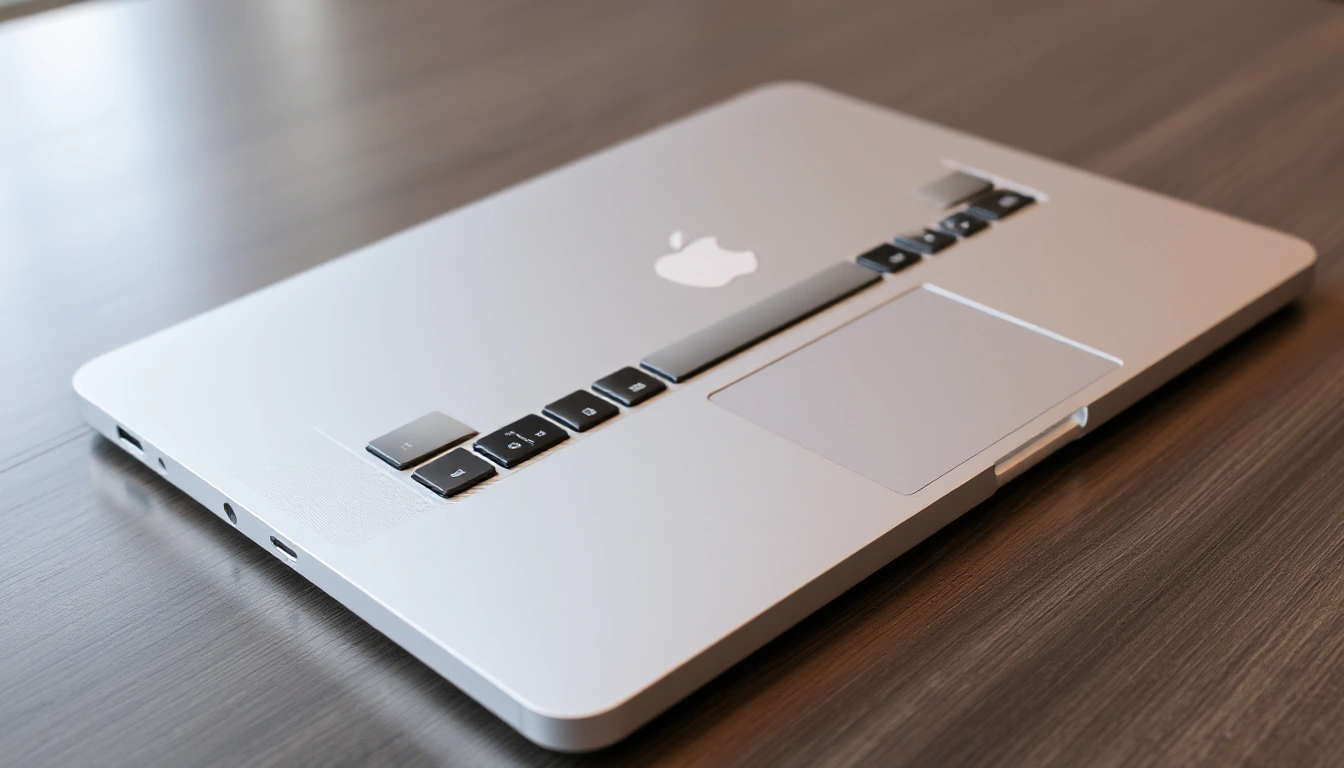
- Use the Touch Bar (if available): This innovative tool provides quick access to functions and applications tailored to your needs.
- Software and applications: Download the necessary applications from the Mac App Store to expand the functionality of your MacBook.
- Support and updates: Regularly check for software updates to ensure optimal performance and security.
With the MacBook, you can enjoy fast internet browsing, document processing, and multimedia projects with ease.
| Memory | |
| test 1 | 8gb |
| Processor | |
| No. of Cores | 1 |
MacBook
- Brand: Apple
- Product Code: Product 16
- Reward Points: 600
- Availability: In Stock
-
$500.00
- Ex Tax: $500.00