Desktops

Main Features of Desktop Computers
Desktop computers are powerful solutions for any user, distinguished by high performance and stylish design. They are equipped with modern processors, such as the Intel Core i5 or AMD Ryzen 5, which ensure fast data and gaming processing. The amount of RAM ranges from 8 GB to 32 GB, allowing seamless multitasking.
The types of storage devices used include SSDs for speed and HDDs for large data storage capacities. This enables users to choose the optimal solution according to their data storage needs.
The cases of desktop computers are made from high-quality materials, such as metal and plastic finishes, which provide not only durability but also a stylish appearance. Available color options, including black, silver, and white, draw attention to the aesthetics of every workspace.
These computers are an ideal choice for both home and office use, thanks to their reliability, power, and the ability to be customized to meet specific user requirements.

How to Properly Set Up Your Desktop Computer
Using a desktop computer may seem complicated, but by following simple instructions, you can easily adapt to your new device.
- System Setup: After connecting the computer to the power supply, press the power button. Wait for the system to boot up. Next, configure the language and time zone.
- Connecting Peripheral Devices: Connect the keyboard and mouse to the USB ports. For the monitor, use an HDMI or VGA cable. Ensure that all connections are securely fastened.
- Installing Software: Insert the disk or use a USB drive to install necessary programs. Follow the on-screen instructions to complete the process.
- Setting Up Internet Connection: Go to connection settings and select your Wi-Fi network. Enter the password if necessary, and check that the connection is active.
- Data Security Measures: Install antivirus software and regular system updates. This will help protect your computer from malware.
- Maintenance and Updates: Regularly clean the computer of dust and debris. Periodically check for software updates to improve performance.
With these tips, you can make the most of your desktop computer and ensure its smooth operation.

From Home Learning to Business Meetings: Use Cases
Desktop computers offer a variety of use cases, making them ideal for any user. For home users, desktops are great for learning, gaming, and multimedia. The power of the processor, such as the Intel Core i5, ensures smooth operation of educational software and games, which is especially important for schoolchildren and students. If you're passionate about gaming, choose models with powerful graphics cards to enjoy high-quality graphics and fast response times.
For business use, desktop computers are indispensable assistants. For instance, for data processing, creating presentations, or conducting video conferences, it is important to have sufficient RAM — from 16 GB to 32 GB, which allows you to open multiple applications simultaneously. For graphic design, choose models with good video cards and SSD drives that offer high-speed loading of programs and handling of large files.
Thus, when choosing a desktop computer, consider your needs: for learning and gaming — a powerful processor and graphics, for work — optimal RAM and storage. This will ensure you have the best user experience.

Refine Search
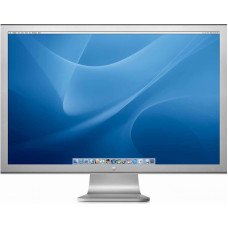
Apple Cinema 30"
Unleashing Visual Brilliance: Apple Cinema 30" Monitor FeaturesThe Apple Cinema 30" monitor is a pow..
$110.00 $122.00 Ex Tax: $90.00
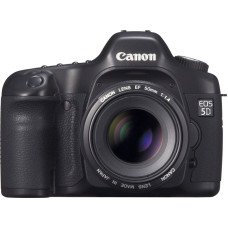
Canon EOS 5D
Discover the Canon EOS 5D: A Photographer's Essential ToolThe Canon EOS 5D is a revolutionary digita..
$98.00 $122.00 Ex Tax: $80.00
HP LP3065
In-Depth Look at the HP LP3065 Monitor FeaturesThe HP LP3065 is a remarkable monitor that combines c..
$122.00 Ex Tax: $100.00
HTC Touch HD
Discover the HTC Touch HD: A Game Changer in SmartphonesThe HTC Touch HD marked a significant milest..
$122.00 Ex Tax: $100.00
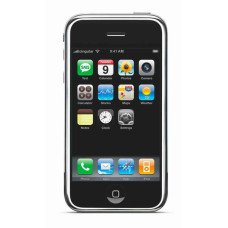
iPhone
Unveiling the iPhone Product 11: Design and Features OverviewThe iPhone product 11 is a remarkable s..
$123.20 Ex Tax: $101.00
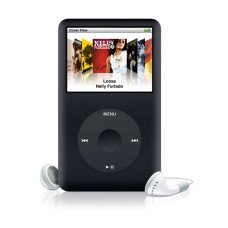
iPod Classic
Discover the Timeless Appeal of the iPod ClassicThe iPod Classic represents a significant milestone ..
$122.00 Ex Tax: $100.00
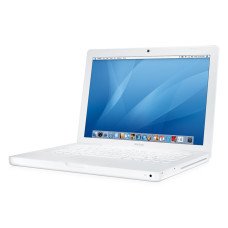
MacBook
Discover the Impressive Features of the MacBook Product 16The MacBook Product 16 is designed for tho..
$602.00 Ex Tax: $500.00
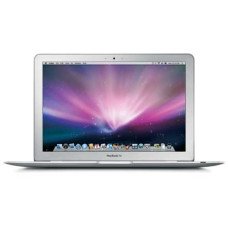
MacBook Air
Discover the MacBook Air: Sleek, Lightweight, PowerfulThe MacBook Air, model number Product 17, repr..
$1,202.00 Ex Tax: $1,000.00
Palm Treo Pro
Discover the Sleek Design of the Palm Treo ProThe Palm Treo Pro is a sophisticated and versatile sma..
$337.99 Ex Tax: $279.99
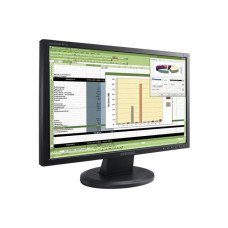
Samsung SyncMaster 941BW
Explore the Key Features of the Samsung SyncMaster 941BWThe Samsung SyncMaster 941BW monitor is a st..
$242.00 Ex Tax: $200.00
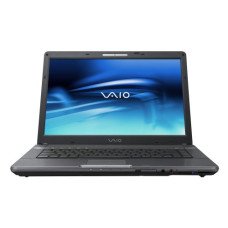
Sony VAIO
Discover the Distinctive Design of Sony VAIO Product 19Introducing the Sony VAIO Product 19 a perfe..
$1,202.00 Ex Tax: $1,000.00